 SCP Commander
Windows
Windows 10 and 11, 64-bit.
Download installer (.exe)Signed by Manto d.o.o.
A two-pane file manager for SFTP, FTP, FTPS and Amazon S3. Your files on the left, the server's on the right — copy with a key press or by dragging. If you know WinSCP or Total Commander, you'll feel at home.
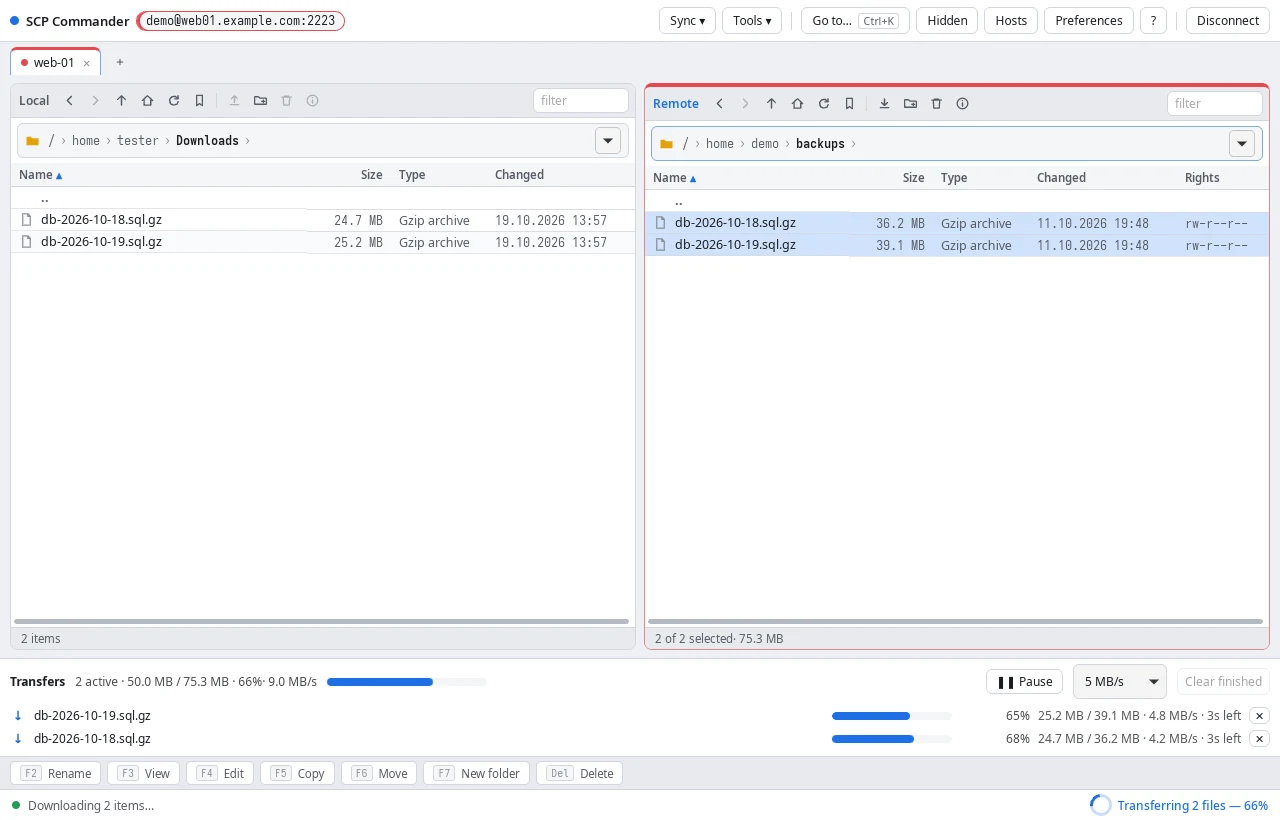
SFTP over SSH (password, key or agent, also through a jump host), FTP, FTPS, and Amazon S3 or S3-compatible storage such as MinIO.
Parallel transfers with progress, speed limits, pause and retry. Uploads land atomically, so a broken connection never leaves half a file on the server.
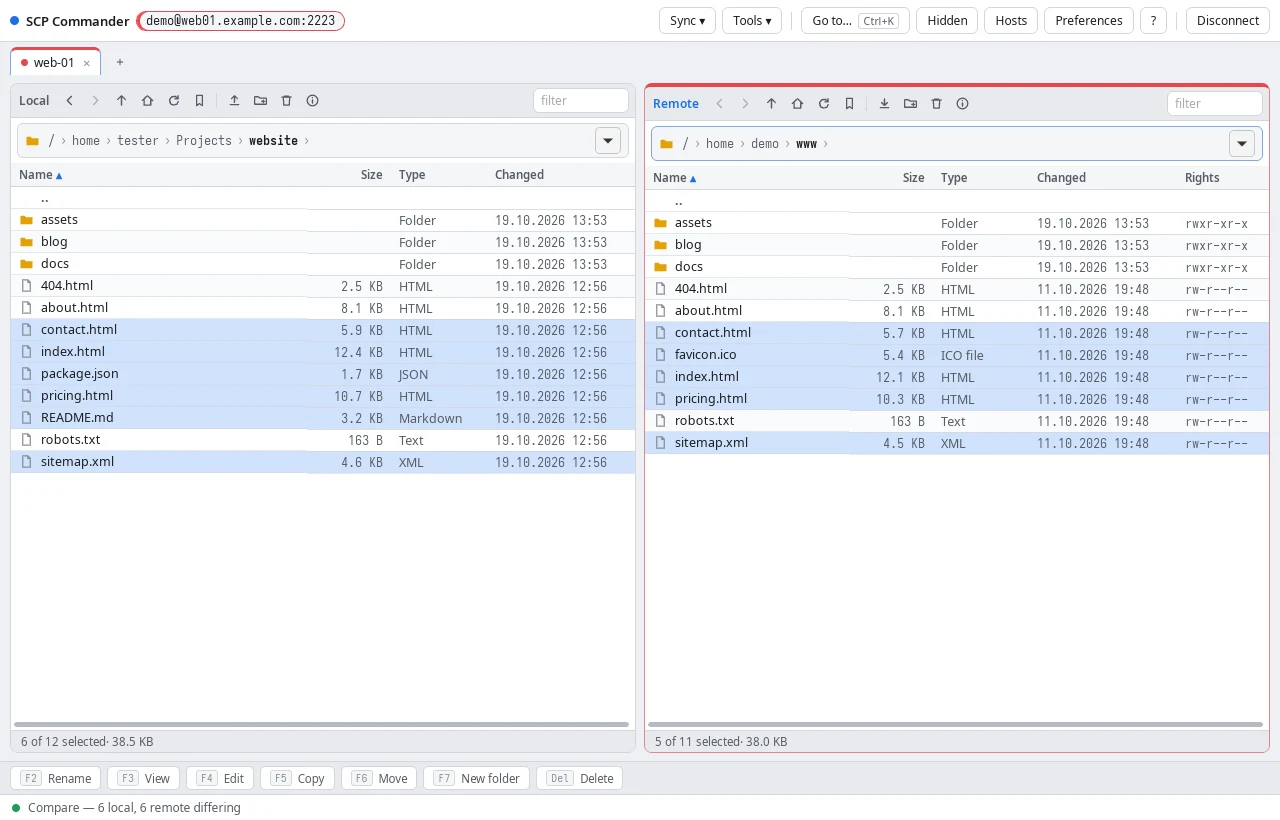
Compare a local and a remote folder, synchronize them in either direction, or keep the server up to date while you edit.
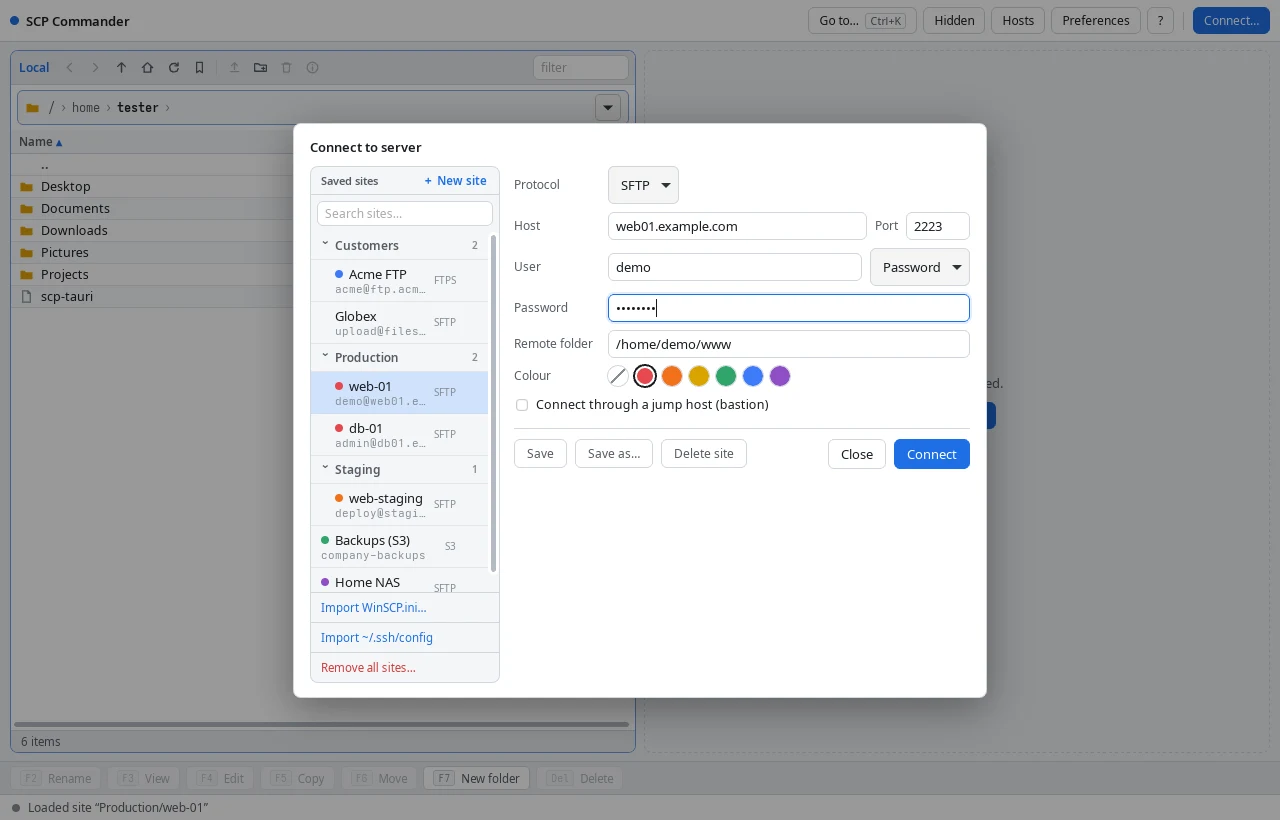
Folders, colours (red for production), search, and passwords kept in your system keychain. Import from WinSCP or ~/.ssh/config.
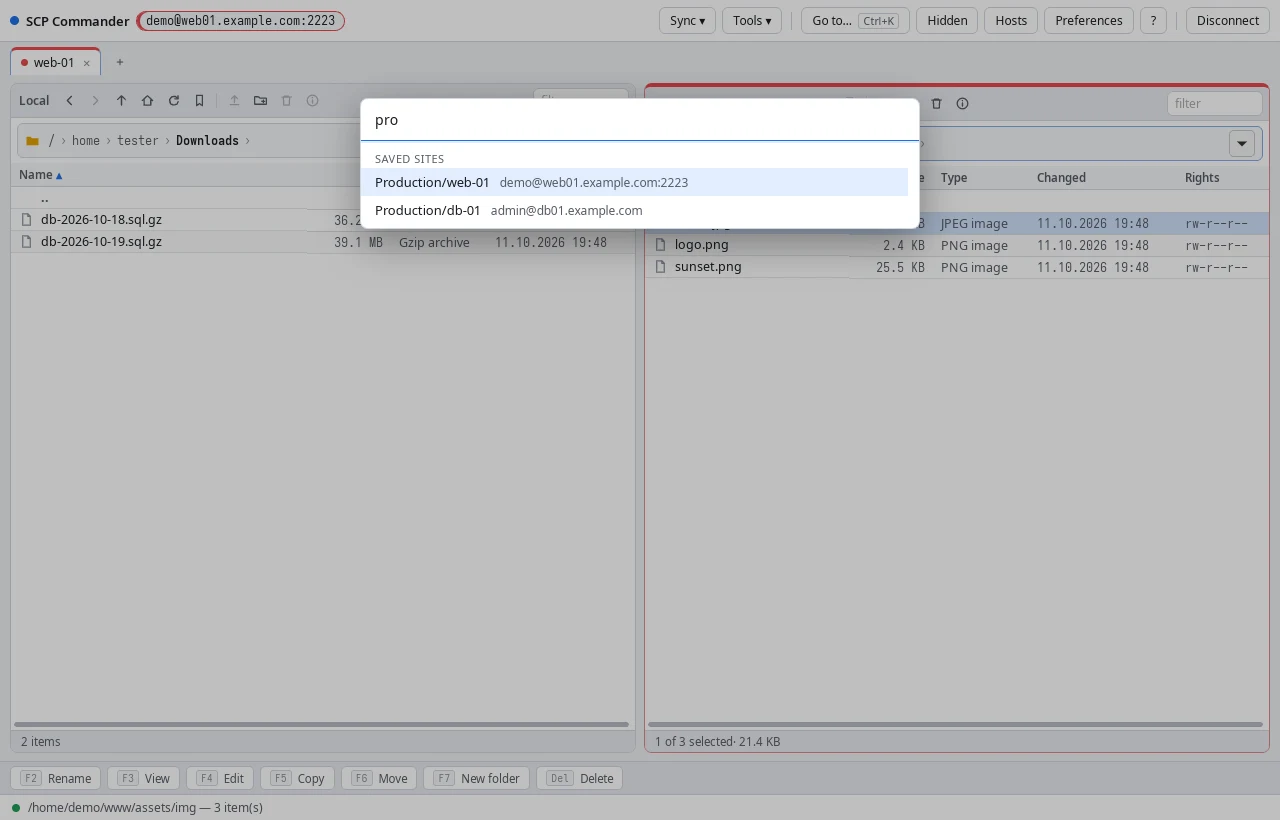
Each server in its own tab. Press Ctrl+K to jump to any site, tab, bookmark or action by typing a few letters.
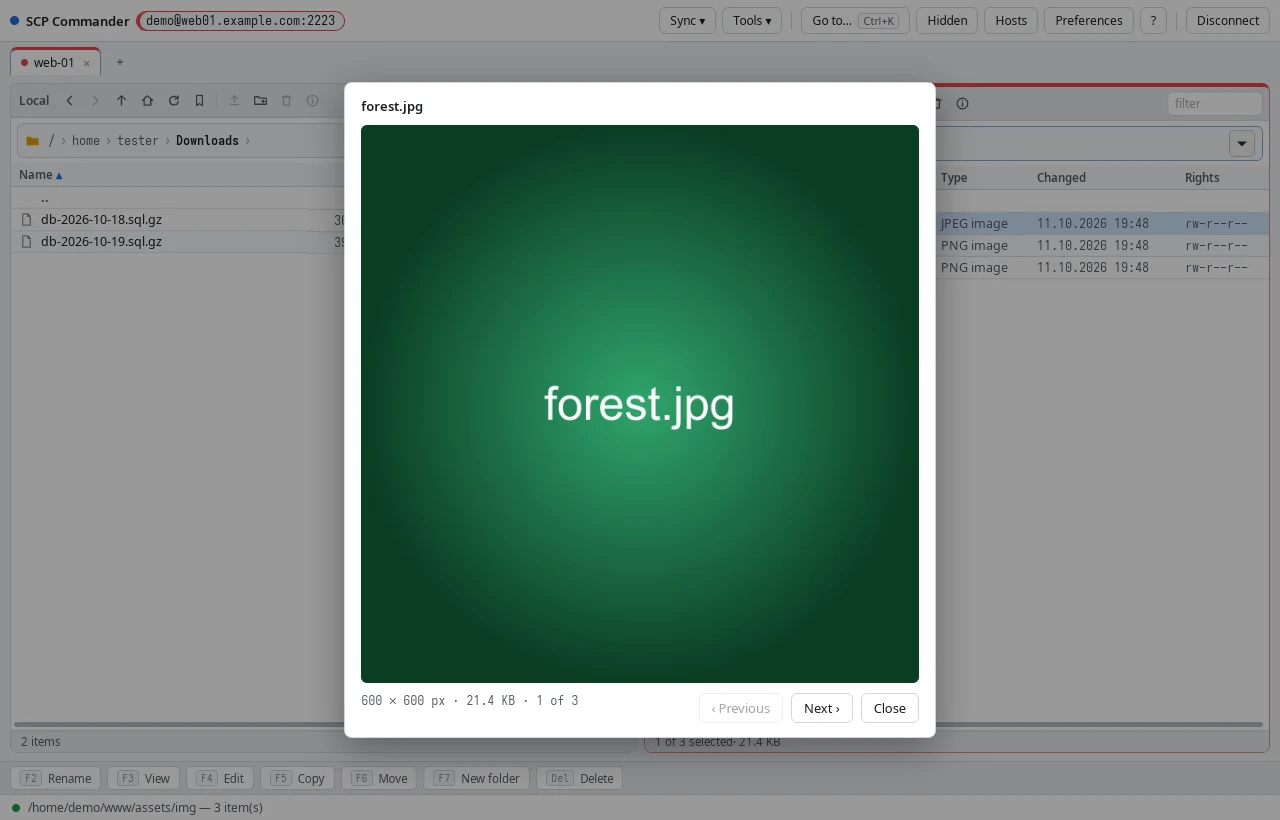
View and edit files, look at pictures, check SHA-256 checksums, compress and extract archives, open a terminal — without downloading first.
F2–F8 like a classic commander, type-ahead search, and drag & drop to and from your desktop when you prefer the mouse.
On Windows and macOS the app updates itself; on Linux it comes from a signed dnf or apt repository. Every update tells you what's new.
A searchable user manual inside the app (F1) and on this site, plus a transfer history that shows what went where.
Read the manual to see everything the app can do.
Windows 10 and 11, 64-bit.
Download installer (.exe)Signed by Manto d.o.o.
macOS 11 or newer. Open the .dmg and drag the app to Applications.
Download for Mac (.dmg)Signed and notarized by Apple. Built for Intel; on Apple Silicon (M1–M4) macOS runs it through Rosetta and offers to install it the first time.
sudo curl -fsSL -o /etc/yum.repos.d/scp-commander.repo \
  https://scpcommanderrepo.blob.core.windows.net/fedora/scp-commander.repo
sudo dnf install scp-commandersudo curl -fsSL -o /etc/apt/keyrings/scp-commander.asc \
https://scpcommanderrepo.blob.core.windows.net/ubuntu/scp-commander.asc
sudo curl -fsSL -o /etc/apt/sources.list.d/scp-commander.sources \
https://scpcommanderrepo.blob.core.windows.net/ubuntu/scp-commander.sources
sudo apt update && sudo apt install scp-commander64-bit PCs. Fedora 40+, Ubuntu 22.04+, Debian 12+. Updates arrive with your system's.